 905-470-7465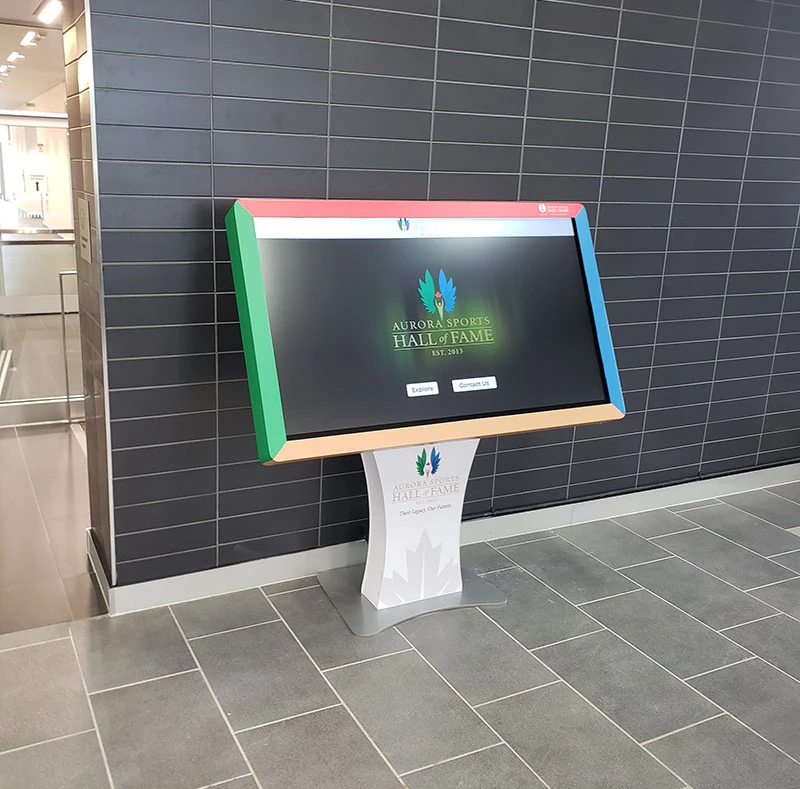
Make Information Easy to Access
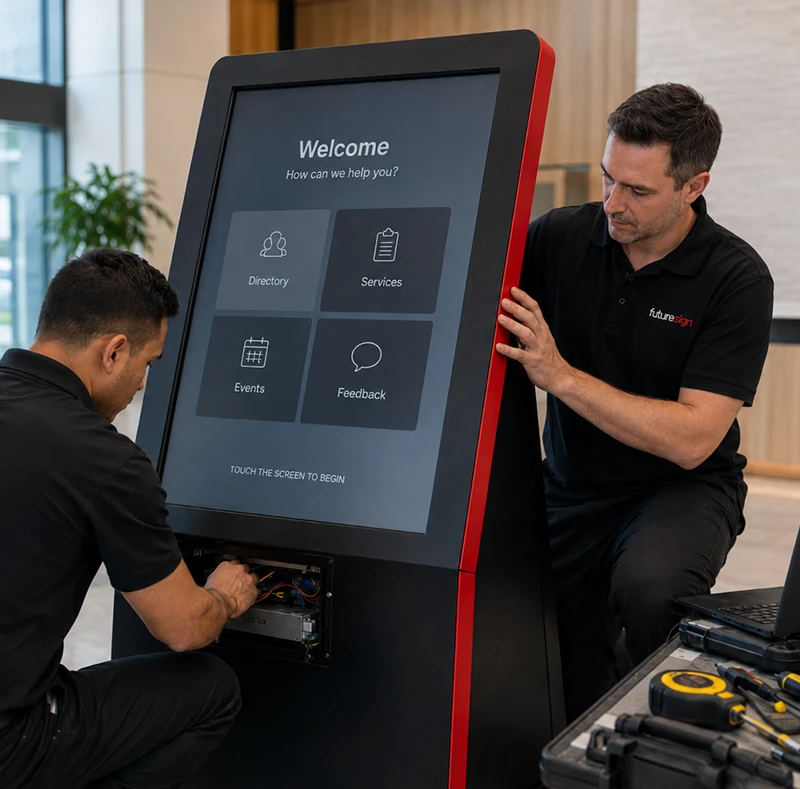
As facilities become larger and services more complex, helping visitors quickly find information can place increasing demands on front-line staff. Interactive touchscreen kiosks provide a convenient self-service solution that helps visitors locate destinations, explore services, access directories, and find important information without waiting for assistance.
Futuresign designs, installs, and supports interactive touchscreen kiosk solutions for municipalities, healthcare facilities, educational institutions, recreation centres, and commercial environments throughout Ontario.
Why Organizations Invest in Interactive Touchscreen Kiosks
As visitors expect faster, self-service access to information, many organizations are replacing printed directories and static maps with interactive touchscreen kiosks. A centralized digital solution improves accessibility, simplifies navigation, and keeps information current across one or multiple locations.
Improve Visitor Navigation
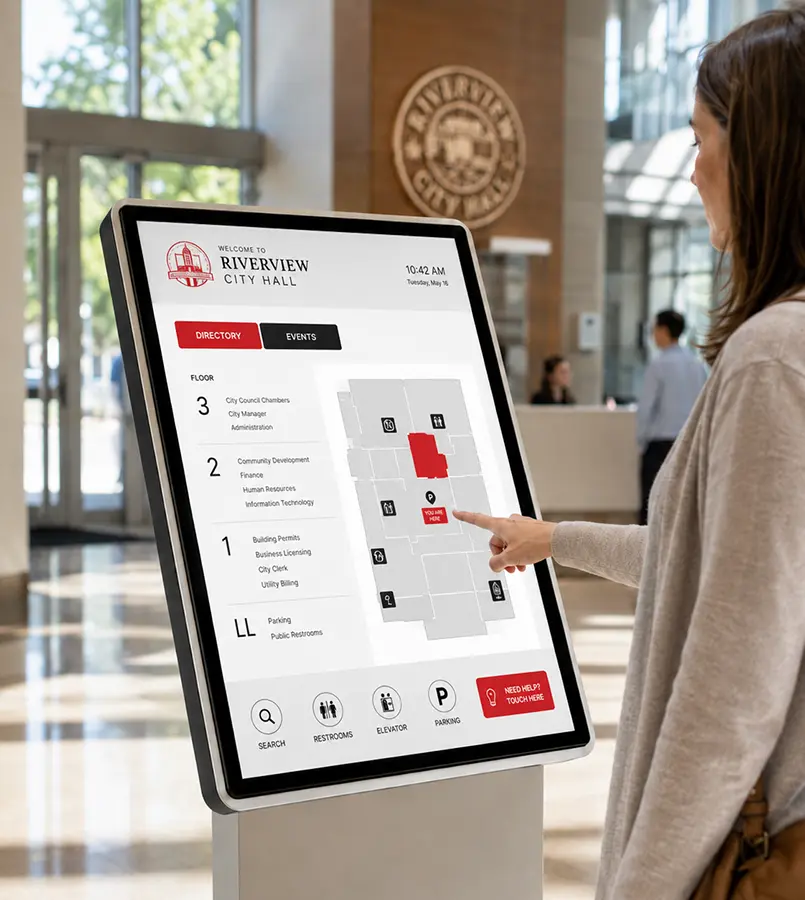
Help visitors quickly locate departments, offices, amenities, and destinations with interactive wayfinding.
Provide Self-Service Access
Allow users to explore directories, services, maps, and important information independently.
Enhance Customer Experiences
Deliver fast, convenient access to information through an intuitive touchscreen interface.
Benefits of Interactive Touchscreen Kiosks
Interactive touchscreen kiosks help organizations streamline visitor communication by improving navigation, reducing routine inquiries, and delivering accurate information through an intuitive self-service experience.
Improve Wayfinding
Help visitors navigate large buildings and campuses with interactive maps and digital directories.
Reduce Routine Staff Inquiries
Provide self-service access to frequently requested information, allowing staff to focus on higher-value interactions.
Keep Information Current
Update directories, maps, announcements, and public information through a centralized platform.
Enhance Visitor Engagement
Deliver interactive content that encourages exploration and improves the overall visitor experience.
Simplify Content Management
Manage content across one or multiple kiosks from a centralized system.
Where Interactive Touchscreen Kiosks Deliver the Most Value
From municipal buildings and hospitals to campuses and recreation centres, organizations throughout Ontario use interactive touchscreen kiosks to improve navigation, support self-service, and make information easier to access.
Interactive touchscreen kiosks support a wide range of facilities, including:
Municipal Buildings
Help residents locate departments, services, council chambers, and public resources.
Healthcare Facilities
Guide patients and visitors to clinics, departments, and appointment locations.
Educational Institutions
Provide campus maps, building directories, event information, and student resources.
Recreation Centres
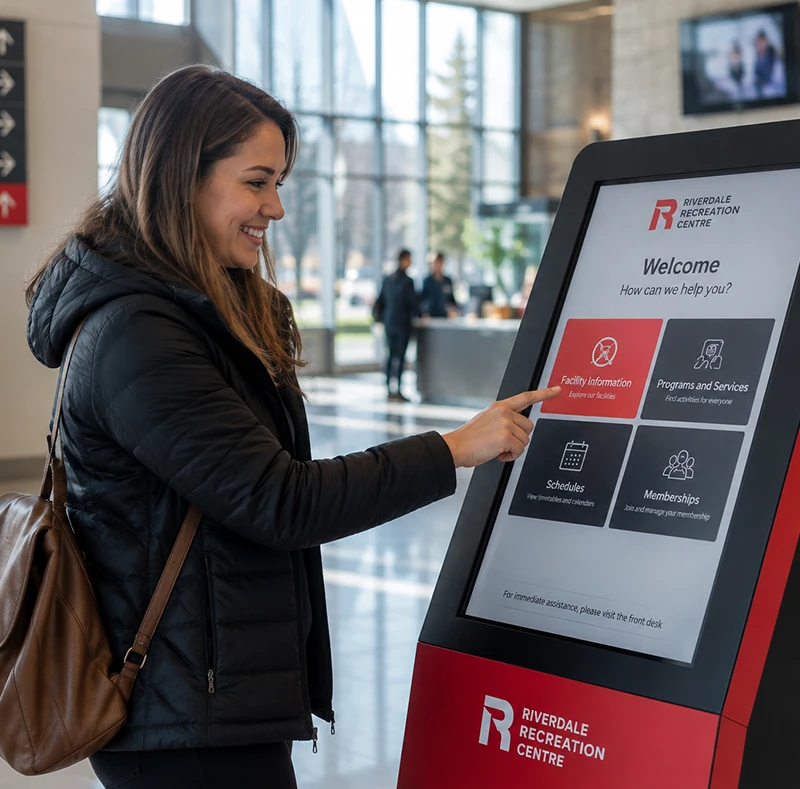
Display facility maps, program information, schedules, and community announcements.
Corporate Offices & Business Centres
Welcome visitors, provide directories, and simplify navigation throughout the building.
Improve Every Visitor Experience
Interactive touchscreen kiosks do more than display information. They help organizations improve efficiency by reducing routine inquiries while giving visitors fast, convenient access to the information they need through an intuitive self-service experience.
Whether guiding patients, welcoming guests, or helping residents locate public services, touchscreen kiosks make information easier to access while reducing reliance on printed materials.
For more than 30 years, Futuresign has partnered with municipalities, healthcare organizations, educational institutions, recreation facilities, and commercial businesses throughout Ontario to deliver interactive touchscreen kiosk solutions tailored to each organization's operational and visitor communication needs.
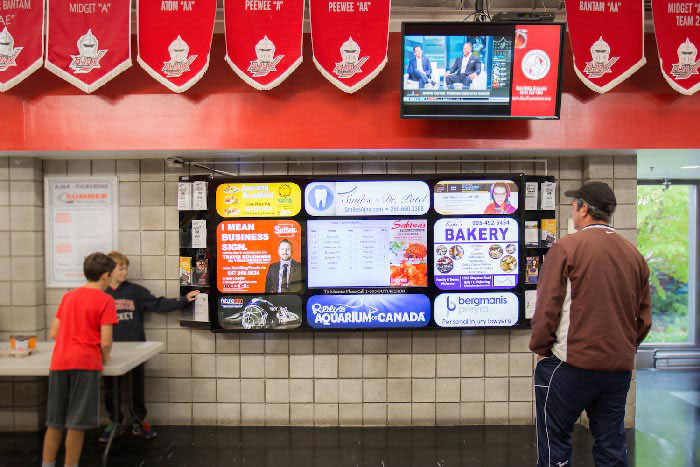
Interactive Touchscreen Kiosk Examples
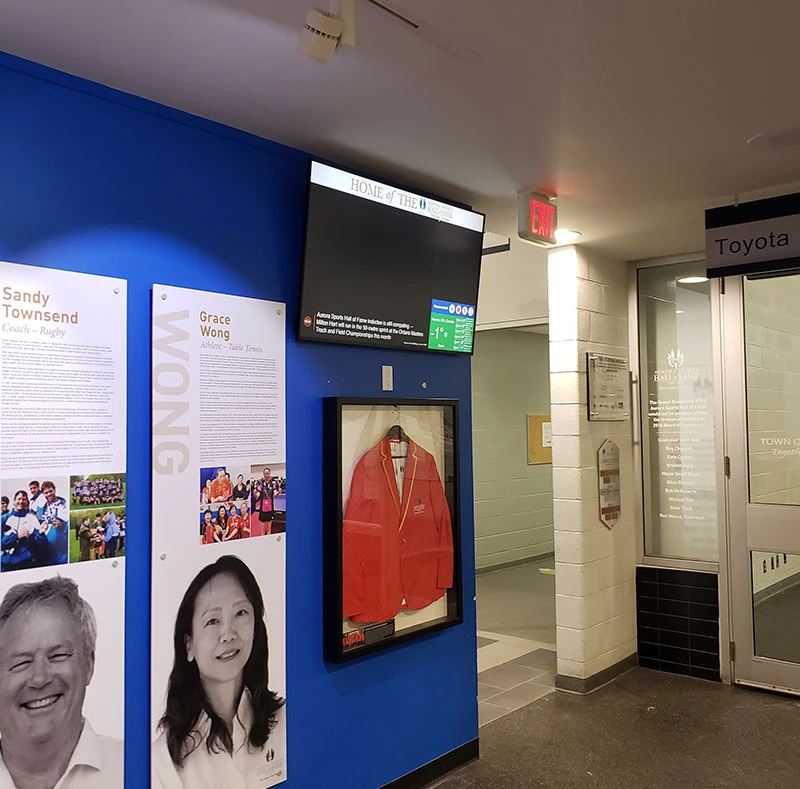
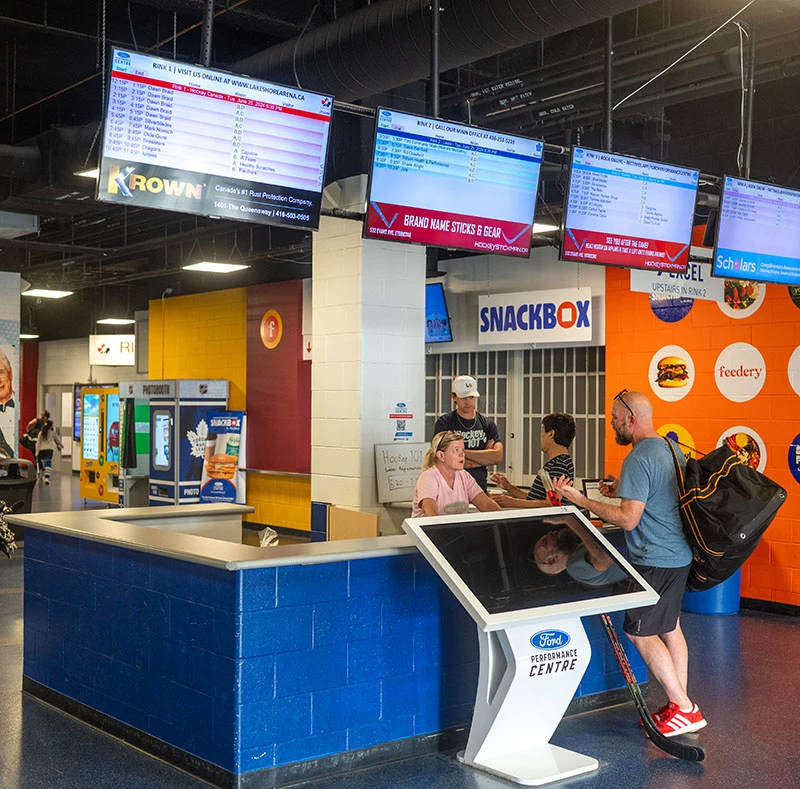
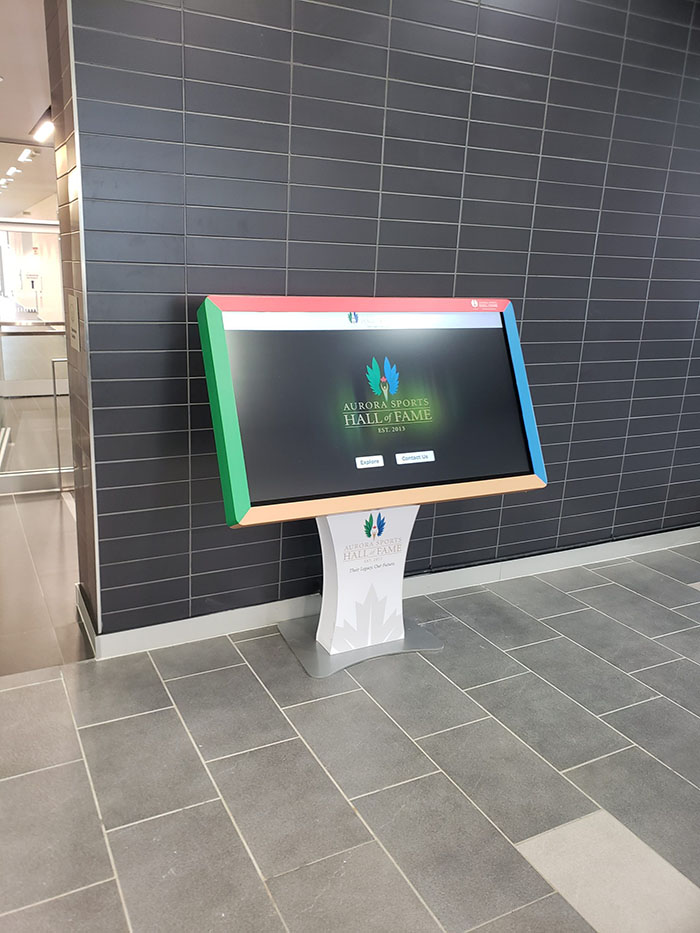
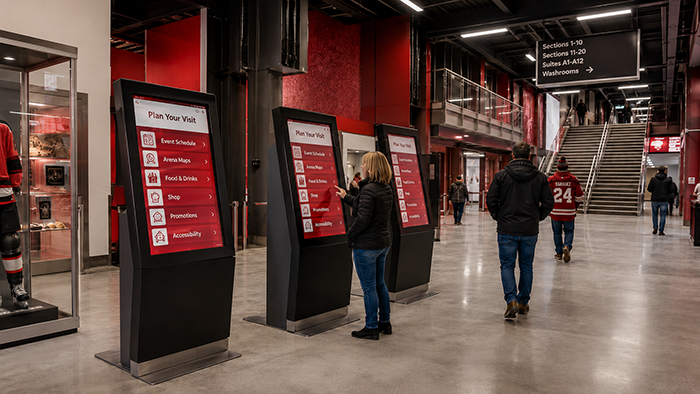
Explore how organizations throughout Ontario use interactive touchscreen kiosks to simplify navigation, improve self-service, and deliver better visitor experiences across municipal buildings, hospitals, campuses, recreation centres, and commercial facilities.
Interactive Touchscreen Kiosk Experts
Whether you're improving wayfinding in a public facility or creating a self-service information hub for visitors, Futuresign can help you implement an interactive touchscreen kiosk solution tailored to your organization.
Book a free consultation to discover how interactive touchscreen kiosks can improve visitor experiences and support your visitor information and wayfinding needs.